Made for marketers who share links everywhere

Don't just post a link.
Know what it did.

That affiliate offer you shared yesterday. The QR code on your handout. The post you worked so hard on. Which one actually brought people in? Put an end to the guesswork, one smart link at a time.

A practical link-tracking workspace. No WordPress plugin or AI subscription needed.

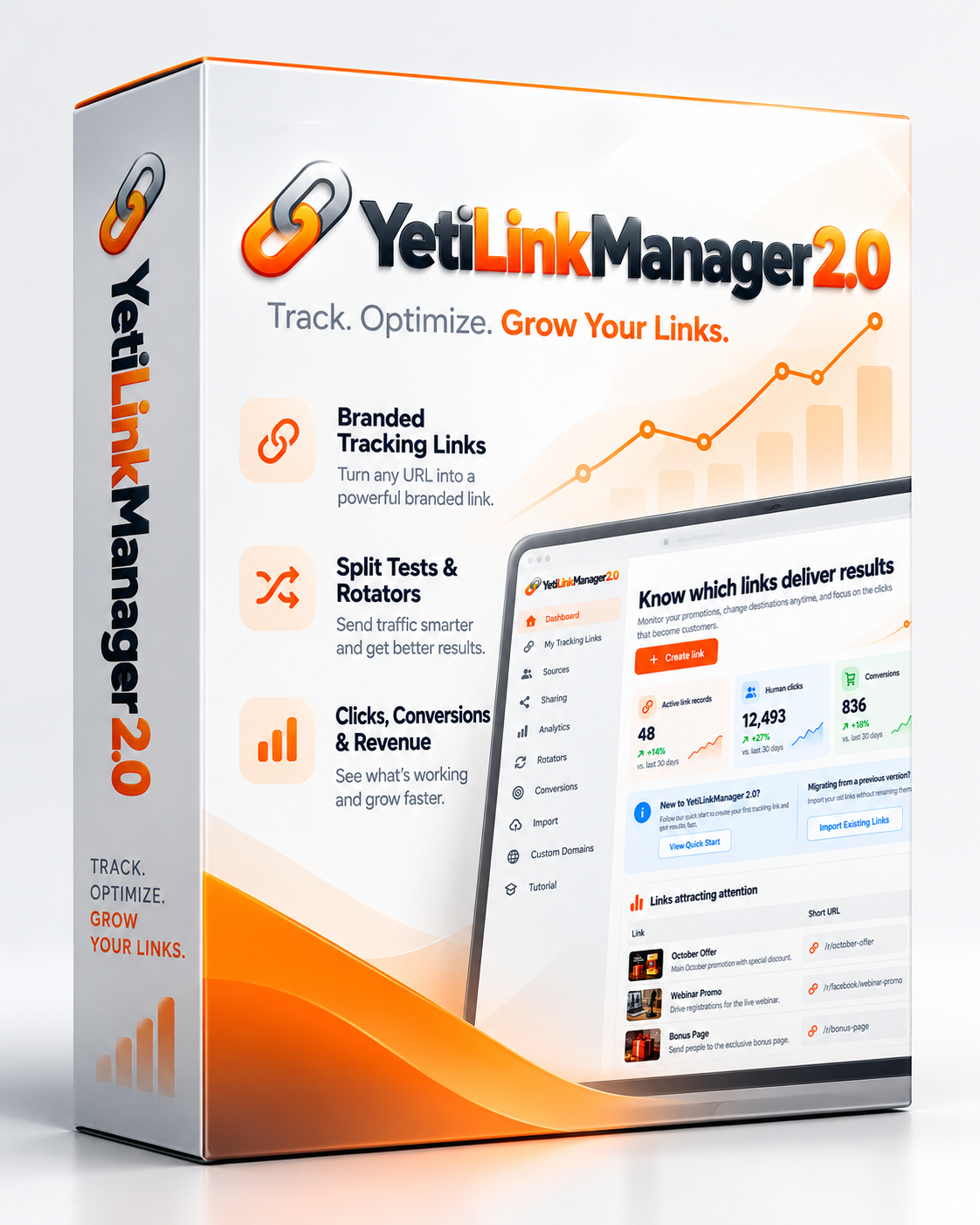
YetiLinkManager 2 software box
YOUR SHORT LINK
yourdomain.com/G641P
One memorable address. A clearer picture behind every click.
Share✳Measure✳Compare✳Improve✳Repeat
01 / The problem

You shared the offer.
Now what?

You can see that people clicked. But was it your Facebook group post? Your email? That article you wrote last week? And did any of those clicks turn into something useful?

Most short links give you another URL. YetiLinkManager gives you a way to learn from what happens next.

An ordinary Tuesday for an affiliate marketer

“I posted the same offer in three places. Which one should I do more of?”

Facebook group→Newsletter→Your analytics

Give each traffic source its own tracking variation. Compare clicks and conversions without mixing all your promotions together.
02 / Everything in its place

The link is short.
The possibilities aren't.

Built for people who promote products, sell digital offers, run campaigns and want better answers—not more complicated software.

01

Make links worth sharing.

Create compact tracking URLs with automatic codes or readable aliases. Add your own verified tracking domain, and update destinations without replacing every link you've already shared.

02

Look right before you post.

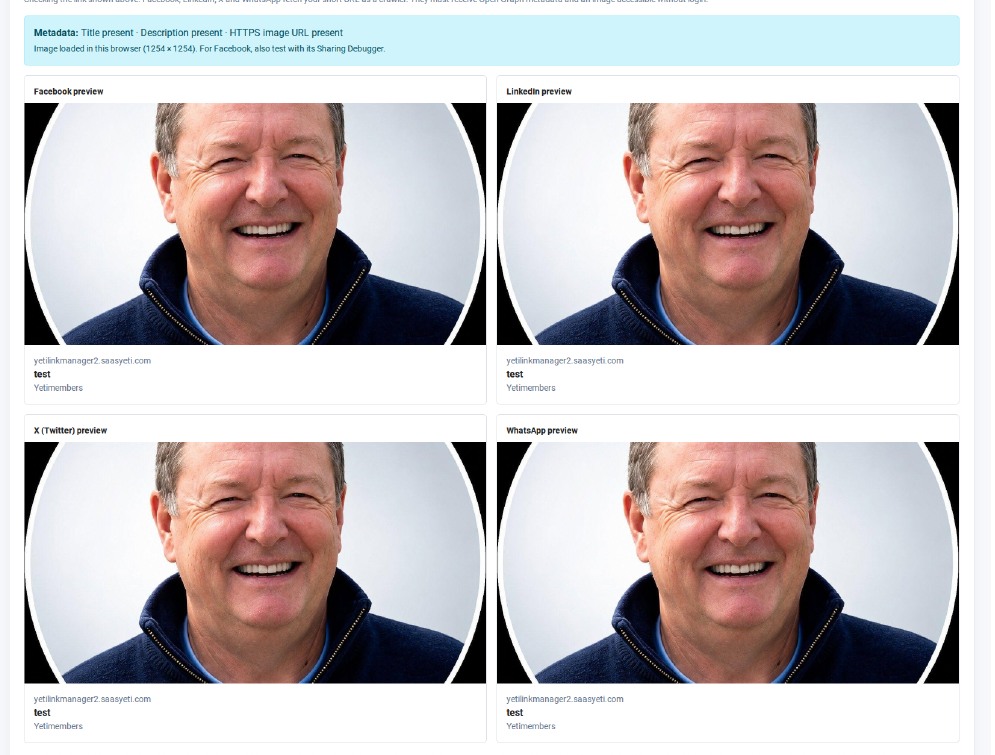
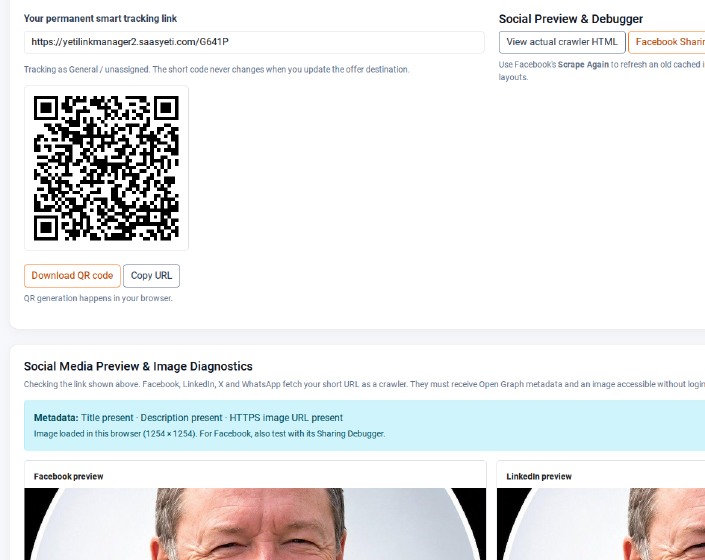
Upload a social image, crop it for landscape sharing, write a public-facing title and check simulated Facebook, LinkedIn, X and WhatsApp previews. Create QR codes when the link needs to travel offline.

03

See where attention starts.

Use named sources for individual campaigns. Examine disclosed referring websites and pages, and see countries in their own report. Unavailable referrers and locations are labelled honestly—not guessed.

04

Test the offer, not your patience.

Run split tests and weighted link rotators to send traffic to different destinations. Compare activity instead of relying on a hunch about which version performs better.

05

Follow clicks towards results.

Use conversion tracking and campaign analytics to understand which promotions lead to recorded actions. Integrations and conversion reporting depend on your chosen setup.

03 / A closer look

This is what your workspace looks like.

Real YetiLinkManager 2 interface captures. Follow the same link from choosing a source to preparing its image, QR code and social preview. No fantasy analytics or made-up results.

ONE OFFER. SEVERAL PLACES TO SHARE IT.

Choose where your click comes from.

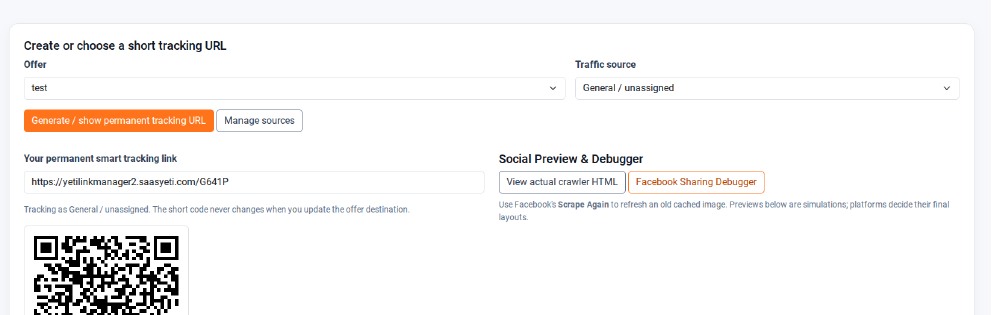
Pick your offer and traffic source, then use the short URL made for that campaign. No spreadsheet of mystery links.

● ● ●Offer & traffic source
Actual link and named traffic source selector in YetiLinkManager 2
The offer selector and traffic-source controls in the working app.
TRACK THE LINKS YOU ACTUALLY SHARE

Keep the short URL. See its activity.

Links issued for an offer appear together so you can revisit the correct URL and inspect recorded clicks.

● ● ●Issued tracking links
Actual issued tracking links table showing URL and recorded click count
Tracking link list from the same real application screen.

These four close-ups are taken from a genuine YetiLinkManager 2 sharing screen. Separate analytics, rotator and country screens are not shown here.

04 / Read the signals

Your analytics should answer questions.

Which link is getting attention? Which traffic source is producing conversions? Which countries are clicking? Where did the browser say visitors came from?

Separate country and referrer reports bring those answers together in one place. When a browser hides a source or location, you'll see Unknown rather than made-up certainty.

Get a clearer view ↗
COUNTRIES REPORTILLUSTRATIVE DATA
Where clicks are coming from
🇬🇧 United Kingdom
67%
🇺🇸 United States
22%
🌐 Unknown location
11%

Example percentages for illustration only. Your actual dashboard uses your recorded visits.

“You don't need another thousand clicks.
You need to understand the ones you've already earned.”
05 / Make your next link count

Give your next campaign a clearer picture.

Smart links, social previews, QR codes, source tracking, split testing, rotators, referrers, countries and conversion reporting in one workspace.

Feature availability and limits depend on configuration. Country detection needs an installed country database. Conversion and external integrations require setup. YetiMail and future product bundles are separate offers.

Standalone plan
Get Access ↗

Checkout is not yet active here. Use the access link or contact the seller for availability.

06 / Before you start

A few straight answers.

Can I change where a short link goes later?

Yes. Edit the destination in your account while keeping the original short URL, provided the link remains active.

Will Facebook always show exactly what the preview says?

No. You can set a public title and image and see realistic simulations, but each network decides how to display previews and may cache an older version. The built-in debugger helps you check what was published.

Can you always tell me which Facebook post sent a click?

No. Browsers and platforms sometimes withhold referrer details. Use named source links to identify your own campaigns reliably, even when the browser reports an unknown source.

Do I need a website or WordPress?

No WordPress installation is required. You can create a tracking link for an existing destination and share it wherever appropriate.

Are all visitor countries identifiable?

No. Approximate country recognition depends on the installed GeoIP database and the visitor's network. Unknown locations remain clearly identified in reports.

Privacy policy | Disclaimer | Support Desk